Public interactive demo
Turn a product into a close-up.
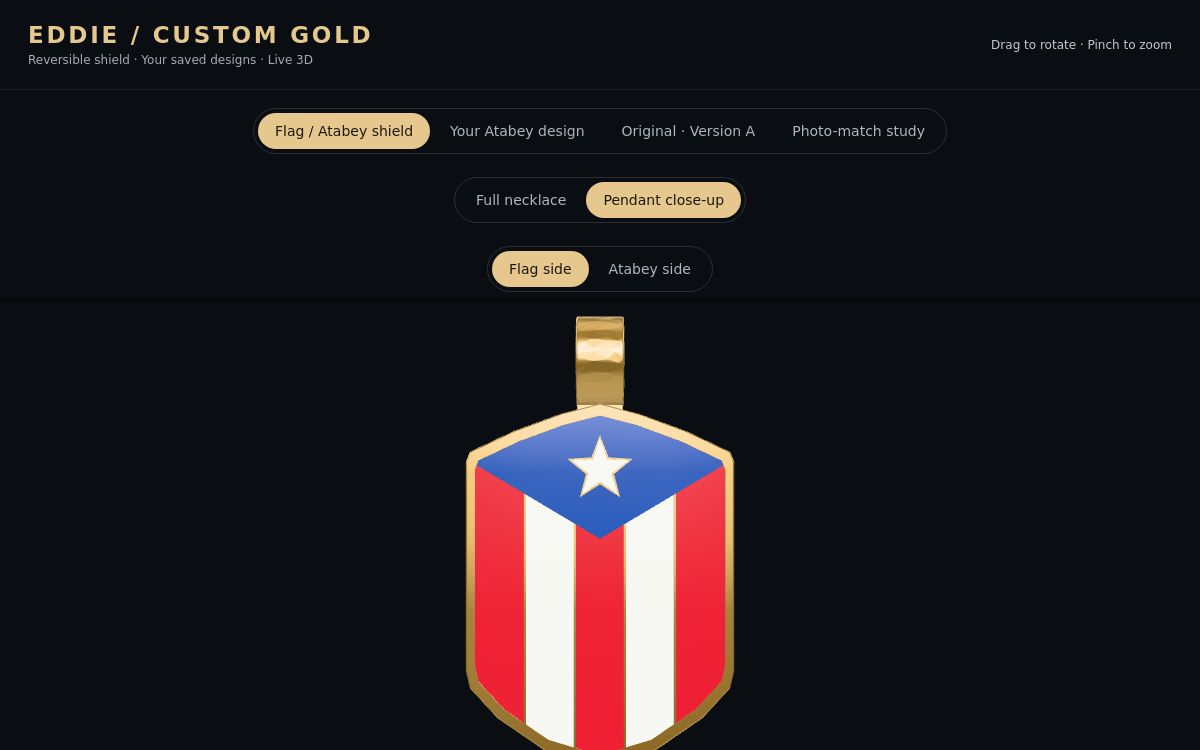
Rotate and inspect a 3D necklace in a browser-based product experience.
Explore the 3D viewer ↗
Laser-etched prints. Personal plaques. Crystal keepsakes. Resin figures. Start with a photo or a 3D scan, then choose what you want to make.
A character. A shield. A symbol that belongs to you. Follow King Julz from the saved character films into the reversible flag and Atabey jewelry design.
Original character concepts and editable jewelry design studies. Explore the actual saved CAD, both pendant faces, finishes and jeweler handoff.
Prints, plaques, crystals and custom 3D objects. Select a product to start your request. Size, material, price and production availability are confirmed before payment.
Prepare a flat artwork proof below, or ask GO3D to help with the design.
Create a flat artwork proof with a photo and inscription. Download the design or carry its specifications into a product request. This is artwork, not a simulation of the finished material.
Make a simple raised photo tile. Brightness becomes height, with your image colors on the preview. This is a creative relief—not an accurate face, full-body avatar or photogrammetry scan.
100 mm wide · 2 mm base · up to 192 × 192 image samples. The full image fits the tile; no crop. STL downloads contain geometry only, without color. Check the file in your slicer before printing.
Choose a JPG, PNG or another browser-readable photo. Nothing is uploaded.
Your photo relief will appear here.
Explore the route from a photo experiment to a custom character, physical keepsake or studio capture.
The free relief tool creates a raised image locally. Preview the result and download its STL. No account or upload needed.
Try the free photo tool ↑Pick how to begin, shape the experience, then choose a product. GO3D confirms capture and production details for your project.
A photo can guide a flat print or plaque design. A tailored multi-view or 3D capture can provide geometry for character work and physical pieces.
Photo artwork · scan · captured modelSet the pose, style, inscription, scale and output. Review the working file for the detail and format the intended result needs.
Design brief · reviewable draftExplore digital characters, resin figures, laser crystals, plaques, etched prints and other 3D prints. Confirm material, size, finish and price before production.
Confirmed product scopeTry the capture-to-creation flow. Choose a starting point and a destination, then assemble a project brief for the full GO3D experience.
Choose a source and a direction. We’ll map the capture and creation steps around what you want to make.
Pick the path that feels right, then assemble it. No files are loaded by this brief builder.
Tap a destination. This concept picker shows how one capture can branch into different GO3D outputs.
Different use cases, same idea: make a digital experience feel tangible. Status labels tell you what is public and what is still a private preview.
Rotate and inspect a 3D necklace in a browser-based product experience.
Explore the 3D viewer ↗A starting point for your character universe.
Build a character brief ↗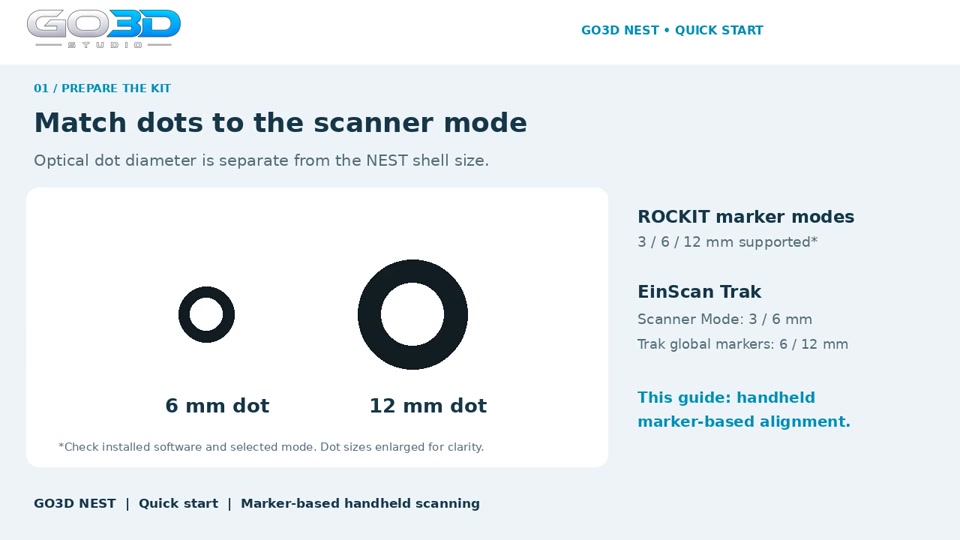
Real onboarding media built around a GO3D product.
Watch the NEST Quick Start ↗Creative directions are scoped for each project. Project scope and connected features are confirmed before a production commitment.
GO3D pairs software and 3D with clear video, so customers know what to do next.
Owner control and website training
Product training and onboarding in motion
A guided session can add controlled lighting, multiple angles and a deliberate capture path for a higher-detail avatar or product scan. Pick the output first; we’ll match the capture plan to it.
A person, captured from every angle.Start with a picture, a physical object or a sketch on a napkin. GO3D will help shape the next step.